
Meet Programmor
Coming soon
Your hardware. Clearer controls. More insight.
Connect to supported devices, adjust settings, watch live data and revisit recorded sessions. Programmor brings your device's controls and data together in one desktop app.
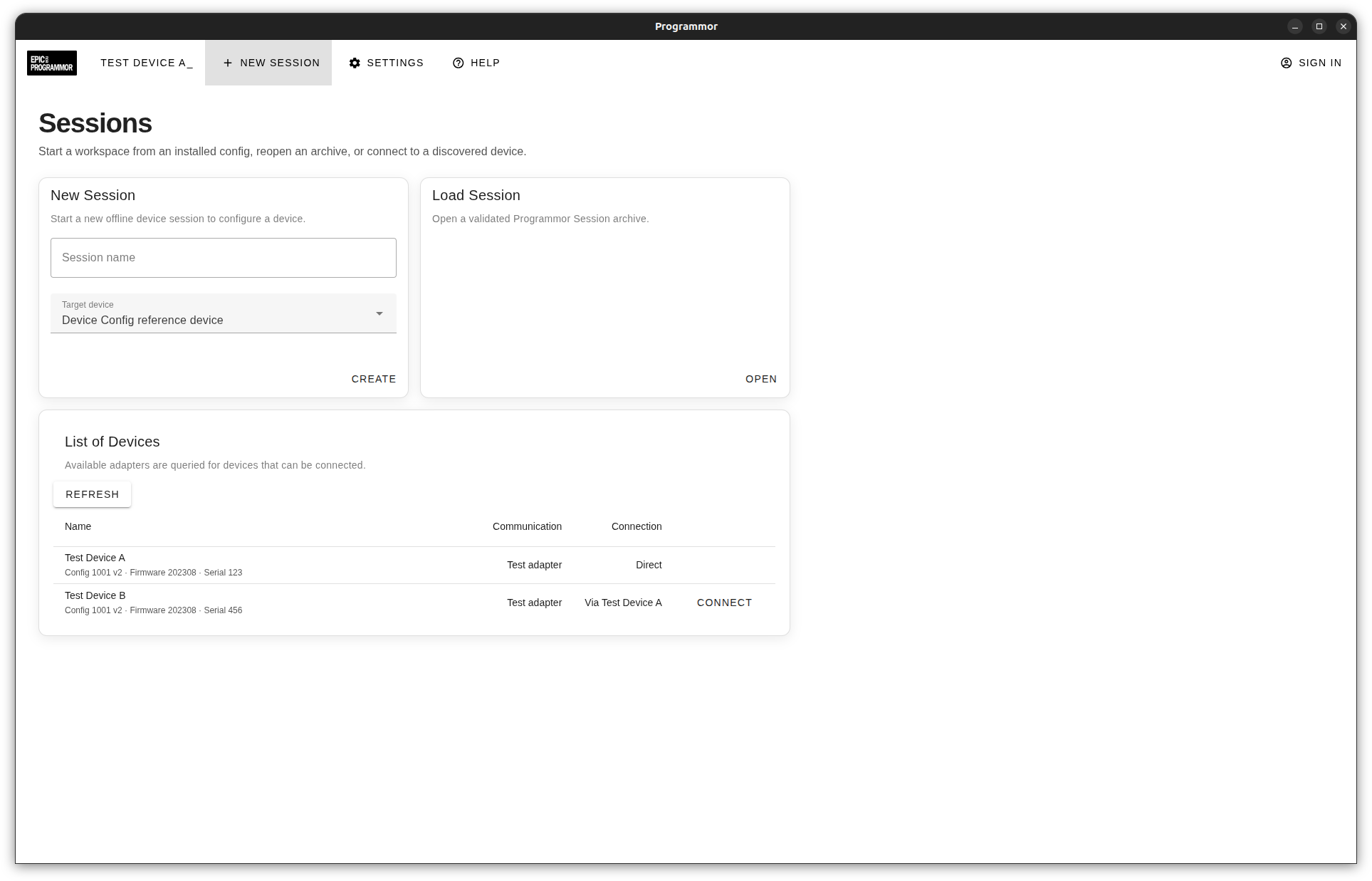
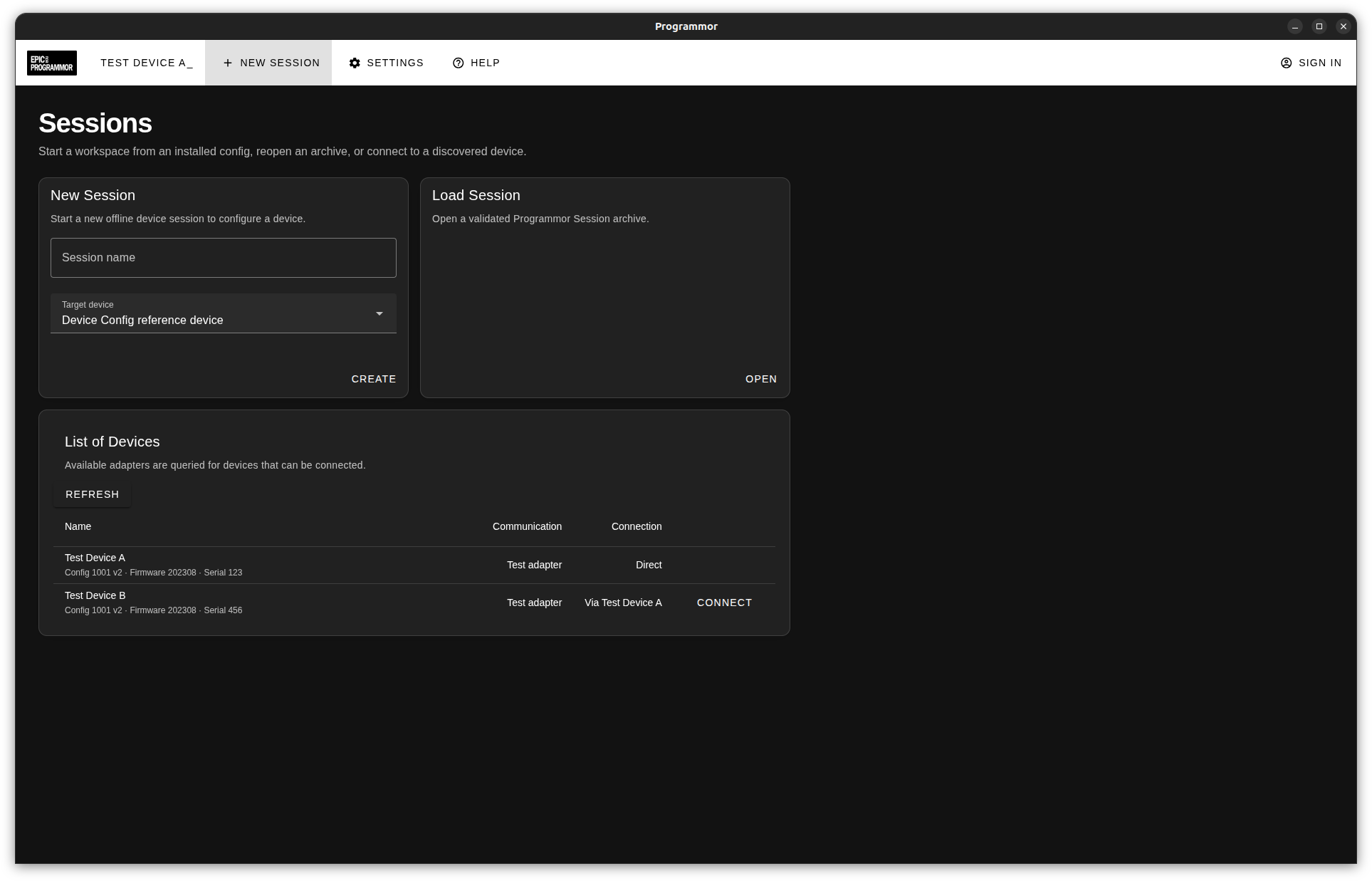
We're building Programmor. Explore the experience we're working towards, with screenshots from the app in development.
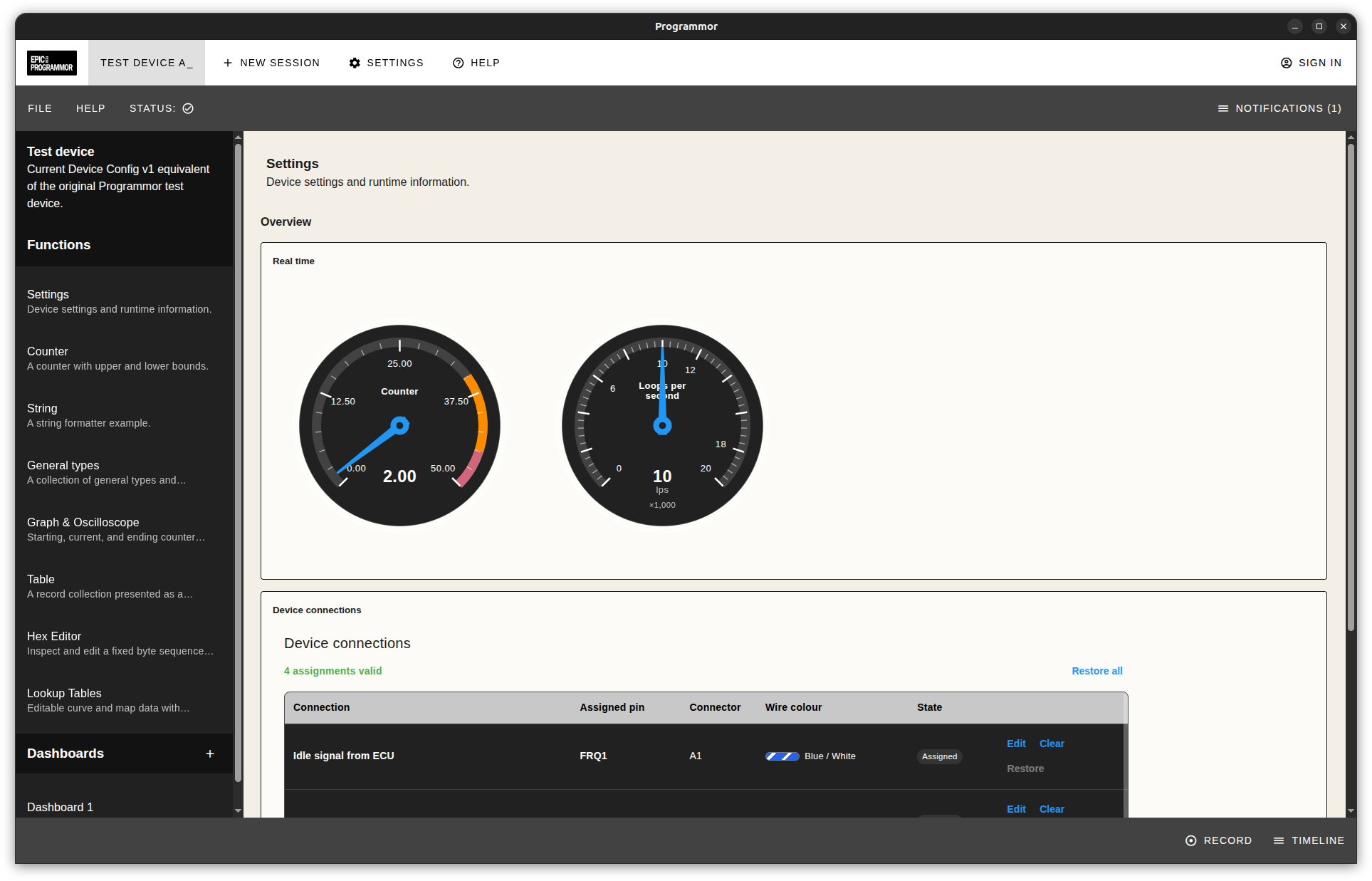
For device users
Get to know your device.
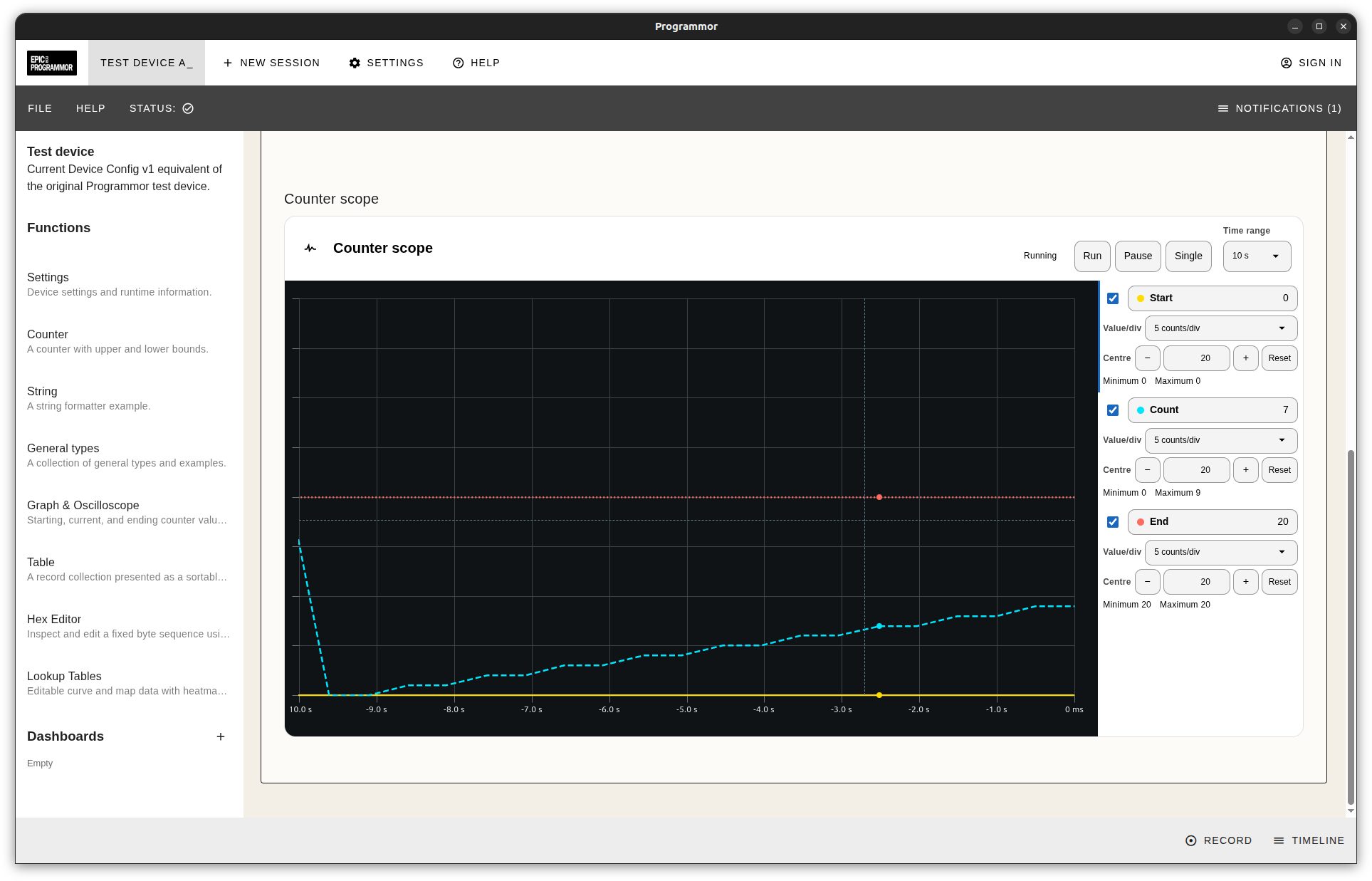
See what's happening as it happens. Follow live values in gauges, graphs and tables, with labels and units that make sense for your hardware. Connection status keeps you in the picture as you work.
The device's configuration supplies the screens and controls. You get an experience shaped around the hardware you're using.
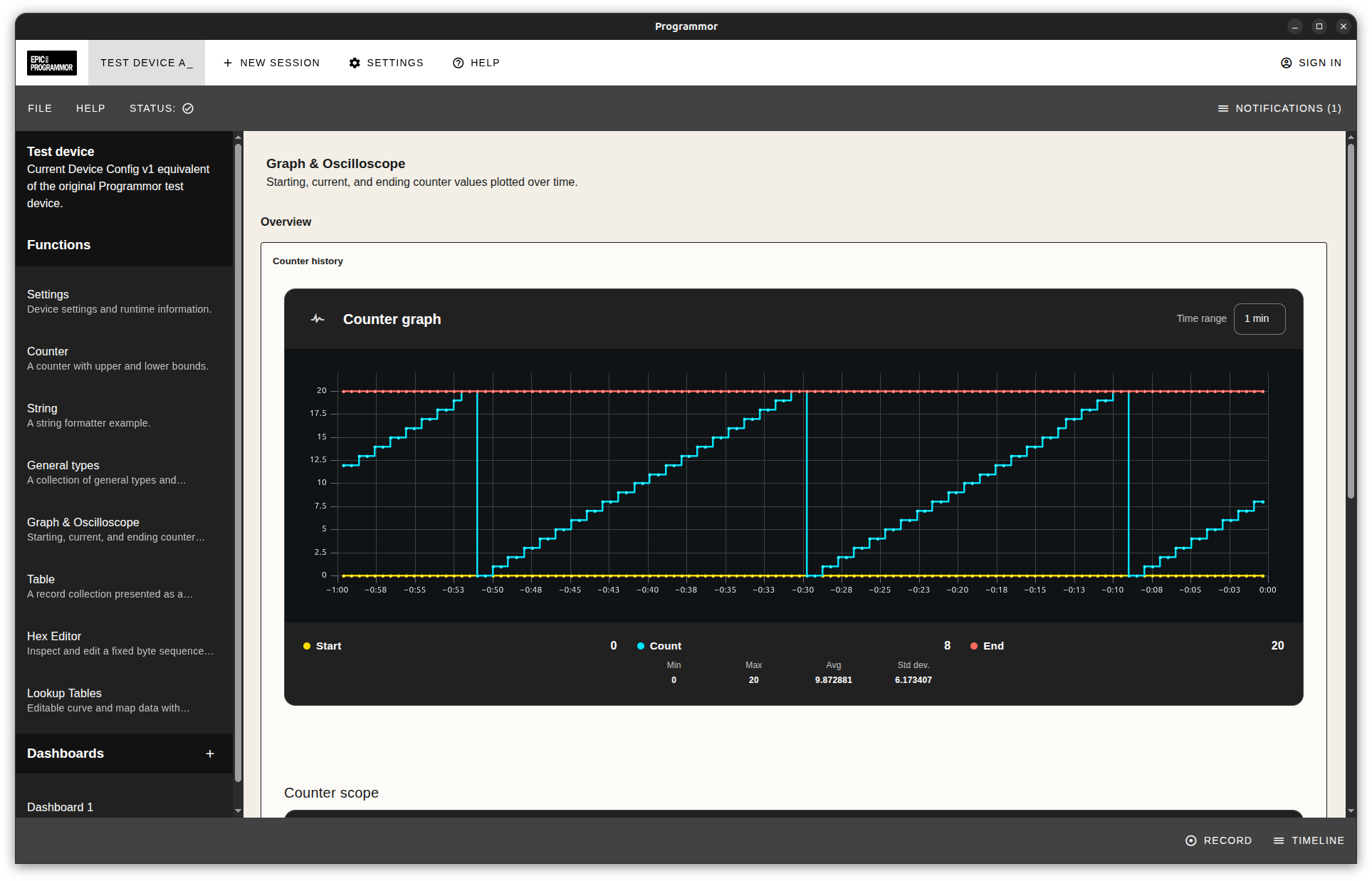
Settings and controls
Make changes with a clearer picture.
Adjust a setting, review your edits, then choose when to apply them. Programmor checks values against the device's configured rules and keeps your edits distinct from the values reported by the device.
Prepare settings in a saved session without connected hardware. Save your work for later, or discard unapplied edits before they reach the device.
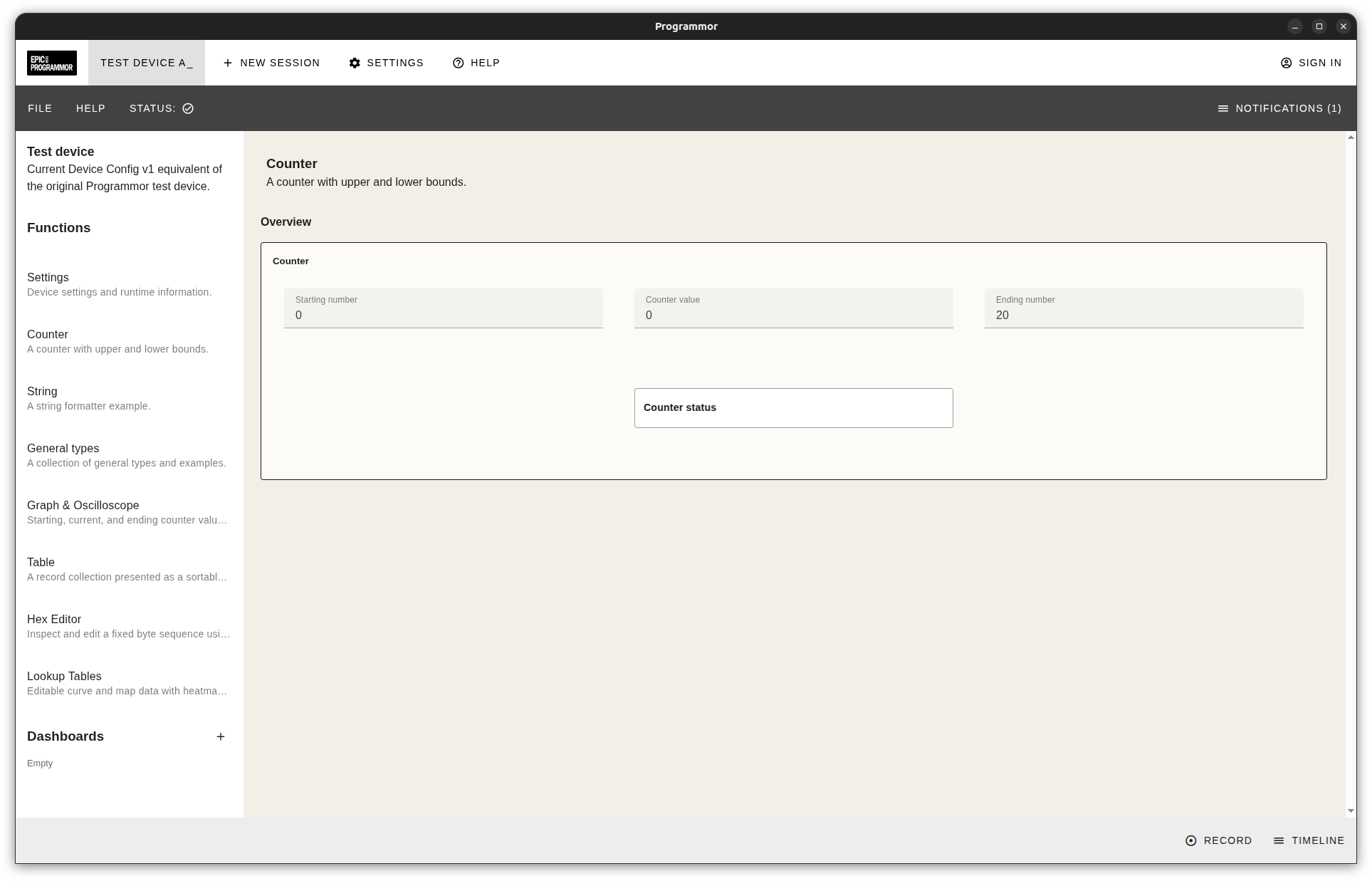
Recording and replay
Record now. Understand more later.
You don't have to catch every detail live. Record selected session data, then return to the moments you want to understand. Play, pause and move through the recording at your own pace.
Review saved recordings away from the hardware. A clear distinction between live and replayed values helps you keep track of what you're seeing.
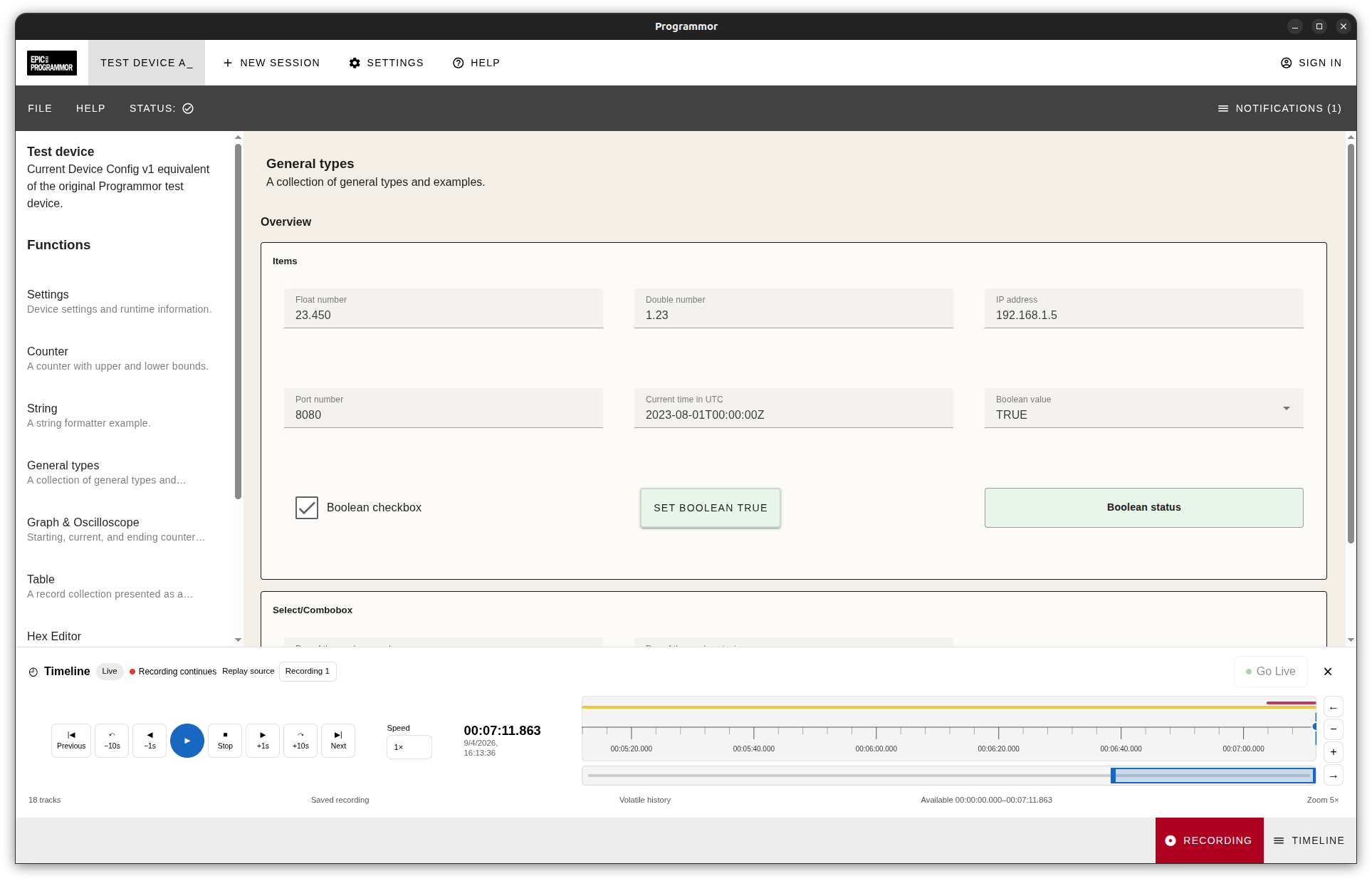
For hardware developers
Build your hardware. Give it an interface.
Give people the controls, live views and recording tools to use your product. Programmor turns your device configuration into an interface, reducing the work of building and maintaining a separate desktop app.
You define what makes your device different: its values, labels, units, limits, screens and controls. We build the application that brings them together.
Describe your device
Define its controls and layout in a readable configuration file. Include message definitions that map the data from your firmware to the values people see.
See it before you share it
Validate the configuration and preview it with sample data in the web workspace. Then test the package with your hardware in Programmor.
Keep pace with your product
Version and distribute device configurations as your hardware evolves. Update supported screens and controls without creating a separate desktop build for each device.
Connect through a supported adapter.
An adapter handles the device connection. Your firmware needs to speak the supported protocol, and your configuration maps its messages to the app. The configuration describes the integration; the firmware and connection make it work.
A closer look
More ways to work with your hardware.
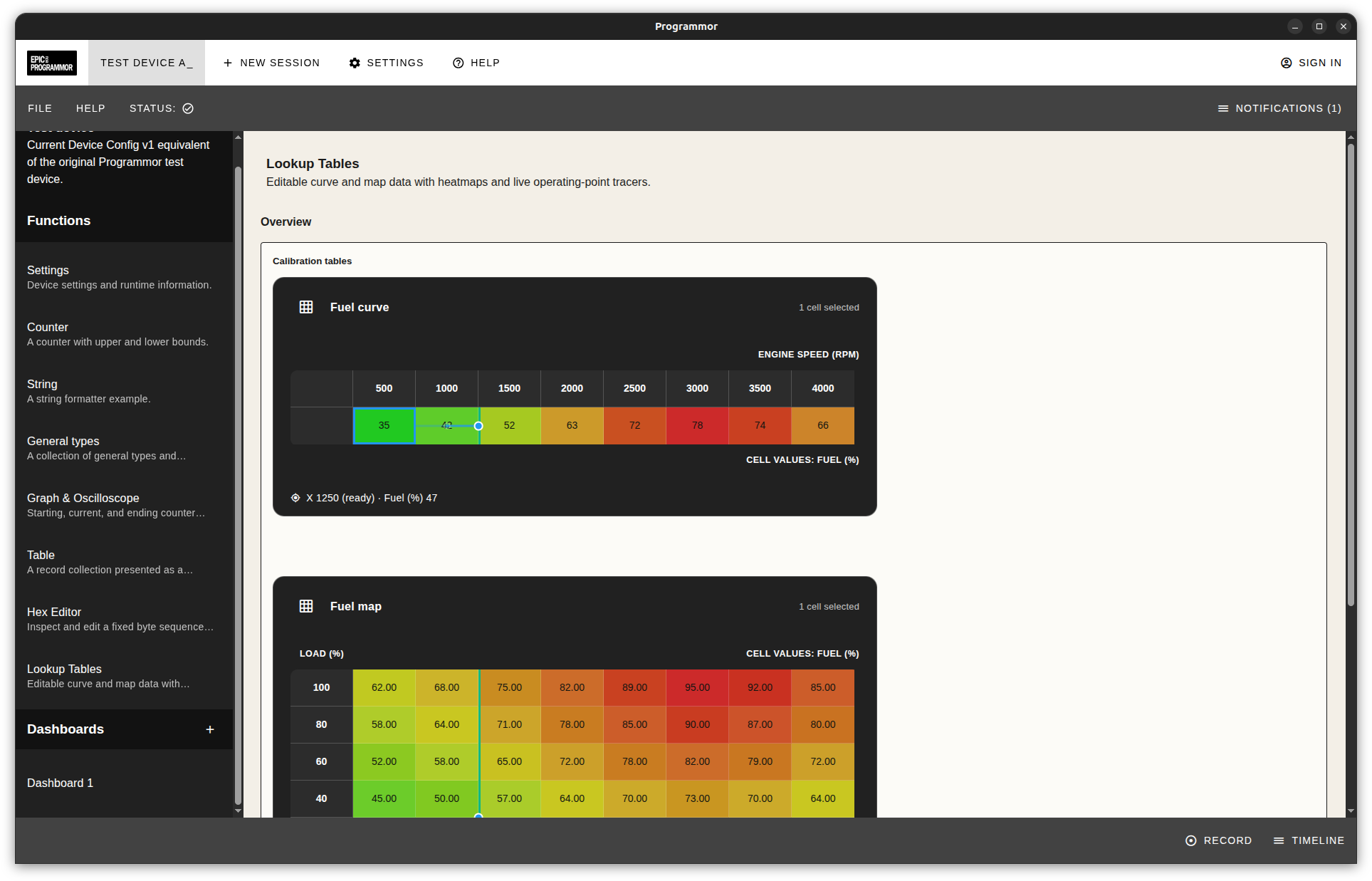
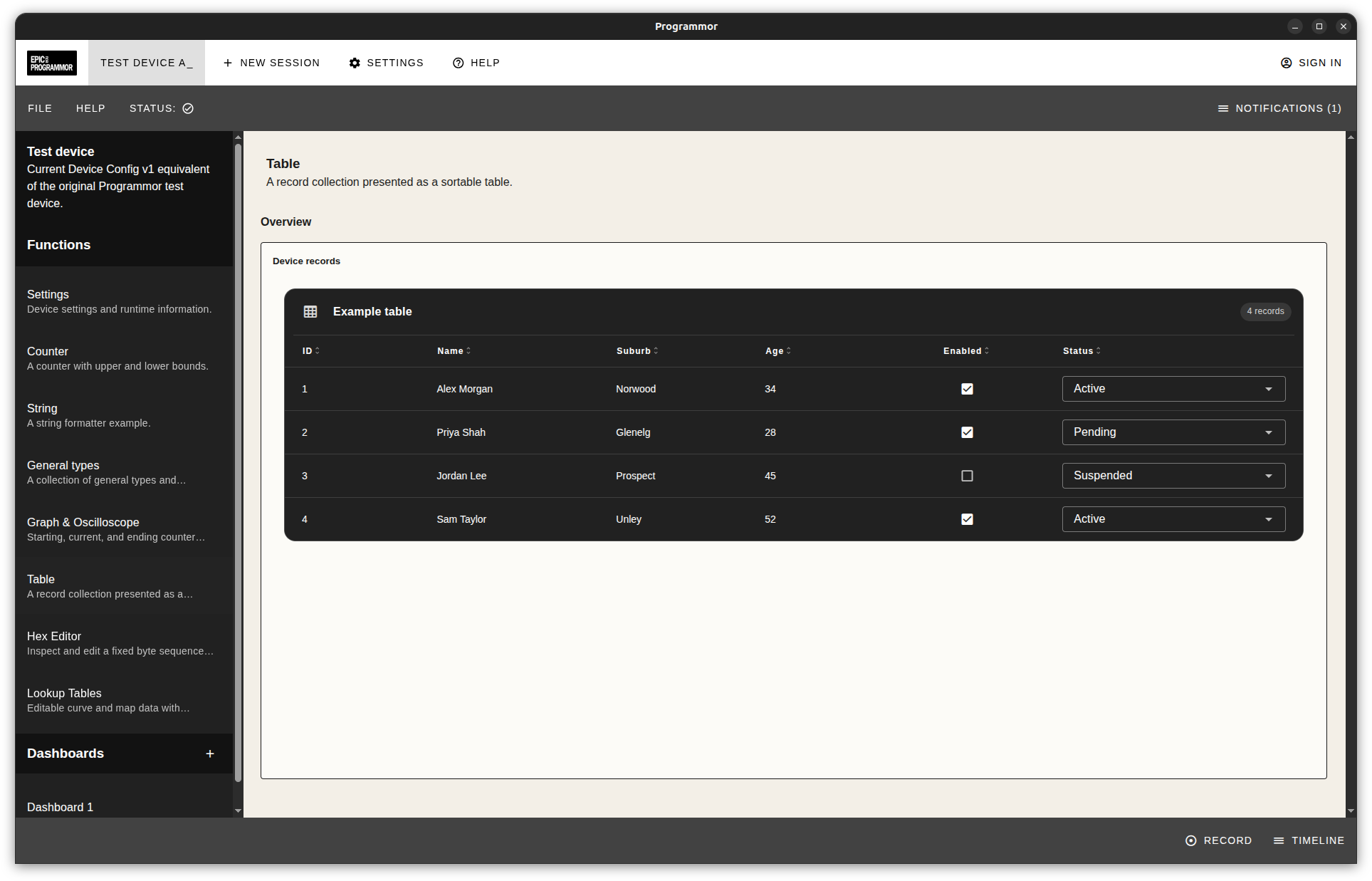
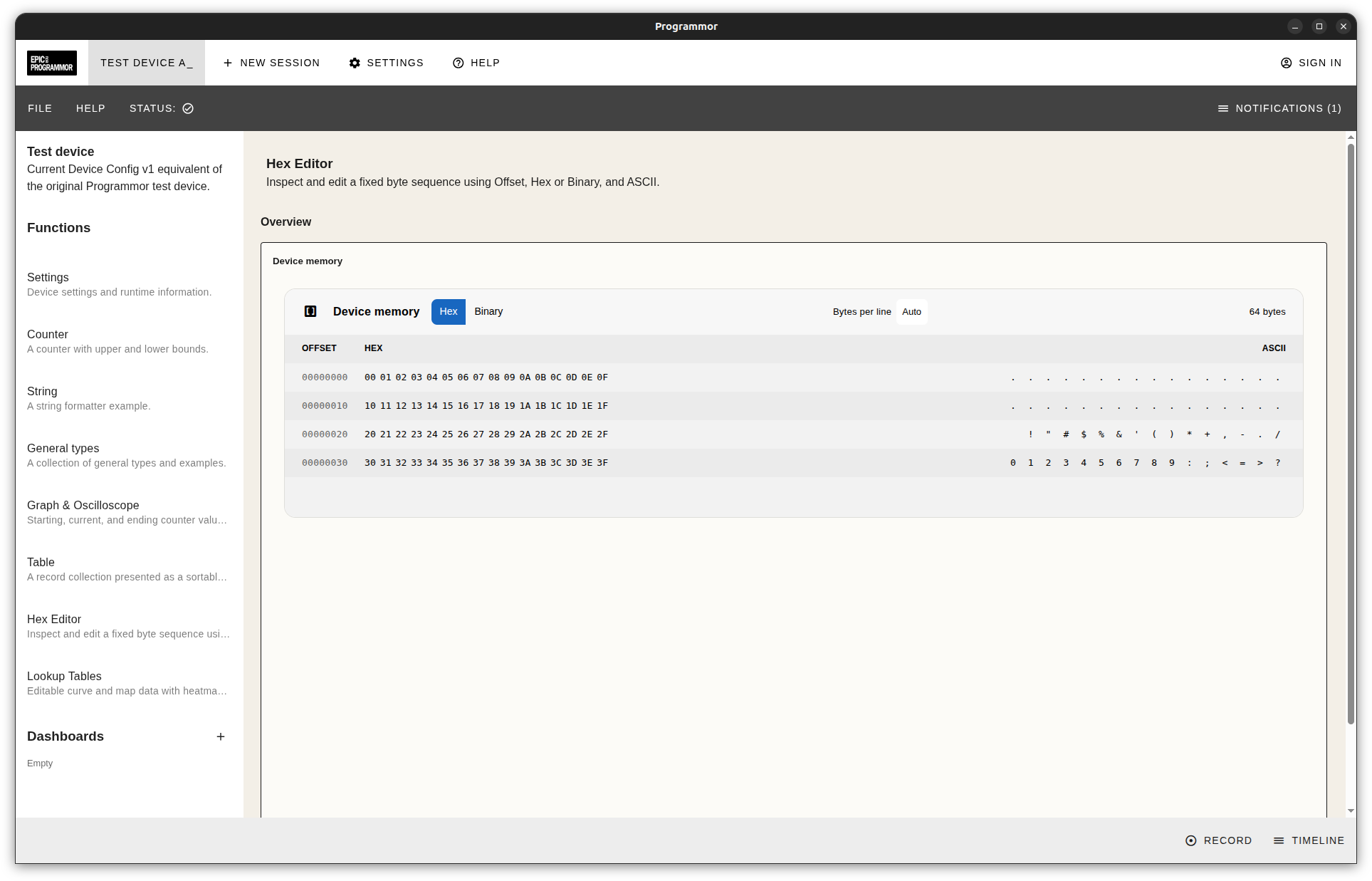
From calibration tables to device memory, explore the tools a device configuration can bring into your workspace. These development screenshots show example configurations.
Care in the details
Designed to keep you in control.
We're building checks into the places where they matter: the configurations you open, the changes you make and the work you save.
Checked before use
Configuration checks cover compatibility, content integrity and trusted signatures for distributed packages. They help the app recognise what it can use before connecting you to a device.
Know what you're changing
See the target device, connection state and unsaved edits. Warnings before device-changing operations help you review the next step.
Keep your work close
Device and session data stay local unless you choose an online workflow that needs them. Separate recovery snapshots help you return to work after an interruption.
The app's safeguards work alongside the protections in your device's firmware and hardware.
Coming soon
See what's next for Programmor.
We’re preparing Programmor for its first release. Follow EpicECU for progress, new screenshots and release news.
Building a device?
Tell us what you're building and how people need to use it. Let's discuss where Programmor could fit.
Discuss your device integration